
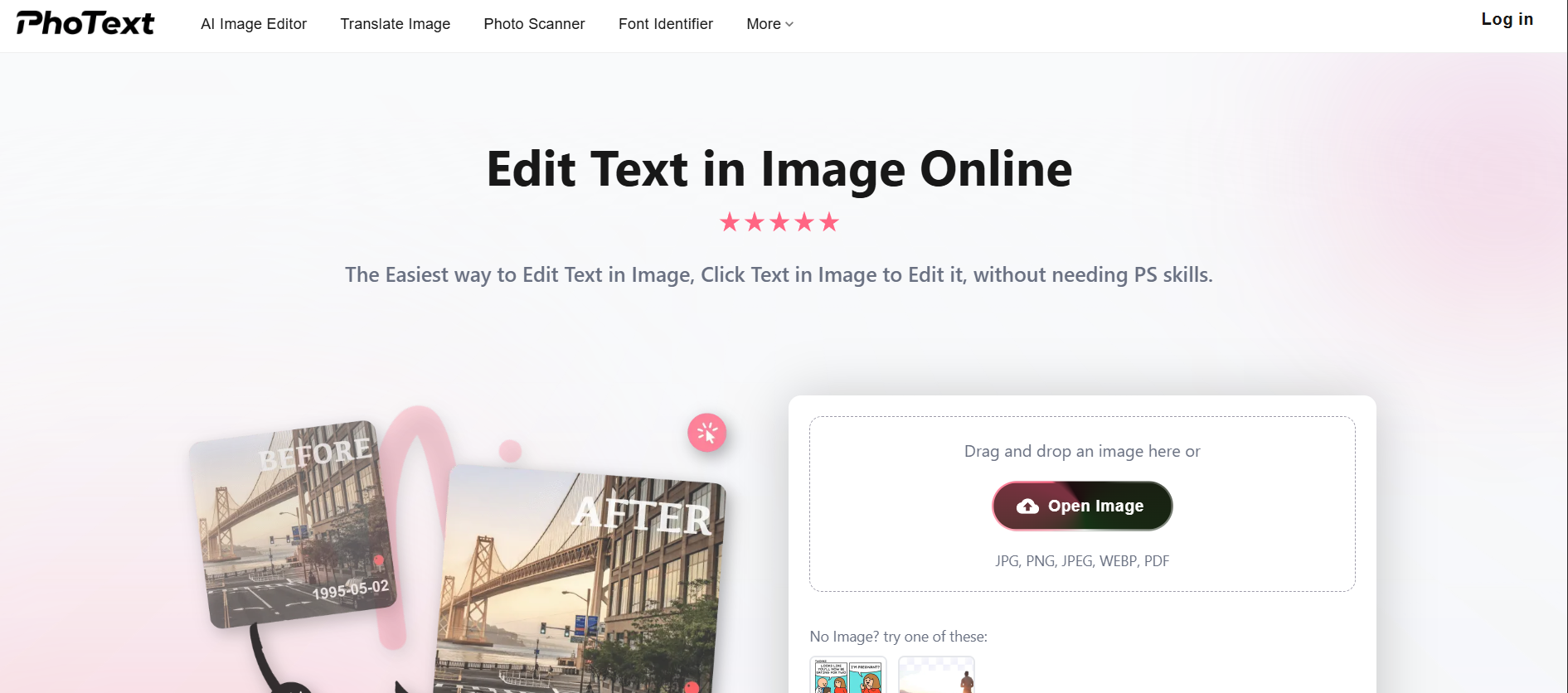
Editing text that's already embedded inside an image has traditionally required advanced Photoshop skills — cloning, masking, and matching fonts manually. Photext solves this with a simple click-to-edit approach: open your image, click the text you want to change, type the new text, and save. The AI automatically matches the original font, color, and style so edits look seamless and natural.
AI Image Editor. click any text in a photo and edit it without Photoshop, in seconds
Translate Image. detect and translate foreign-language text embedded inside any image
Photo Scanner. extract and digitize text from scanned documents, receipts, and photos
Font Identifier. identify the exact font used in any image so you can match it perfectly
Watermark Remover. remove unwanted text overlays and watermarks from images cleanly
Supports JPG, PNG, JPEG, WEBP, and PDF. covers the full range of image and document formats
Who Is It For?
Creators and marketers who work with product images containing text — for translation, editing, or extraction purposes. Also useful for creators who need to repurpose or localise visual content that has embedded text, or who work with scanned documents and need to extract text efficiently.
For creators who primarily work with clean, text-free photography, Photext solves a problem they do not have. It is a specialised image-text tool, not a general photo editor.
Pros and Cons
- ✅ Edit text directly within photos without Photoshop
- ✅ Translate embedded foreign-language text in images
- ✅ Extract and digitise text from scanned documents
- ✅ Fast processing for common image-text tasks
- ❌ Specialised tool — limited to image-text use cases
- ❌ Complex fonts or handwriting may reduce accuracy
- ❌ Not a replacement for full photo editing
Pricing
Check Photext's website for current pricing.
Summary
Photext is a practical tool for creators who regularly deal with images containing text that needs to be edited, translated, or extracted. For product localisation, document digitalisation, or editing text in existing graphics, it saves significant time compared to manual Photoshop work. Most useful for creators in e-commerce, education, or multilingual content.
Frequently Asked Questions
What is Photext?
Photext is an AI product photography tool that generates studio-quality product images from text prompts. Instead of booking a photo shoot, you describe the scene you want — background, lighting, props, mood — and Photext builds it. E-commerce sellers, dropshippers, and content creators who can't afford a photography budget use it to get professional-looking product visuals without leaving their desk.
Is Photext free?
Photext offers a limited free tier with a small number of image generations per month. Paid plans provide more generations, higher resolution outputs, and faster processing. For sellers managing a product catalogue, a paid plan is usually necessary for practical volume.
Can Photext replace product photography?
For many digital products, low-priced physical items, and marketing mockups, yes — Photext can replace a traditional photo shoot. For premium brands or high-value physical products where photographic accuracy is critical, AI product photos work best as supplementary visuals alongside real photography rather than as a complete replacement.
What products work best with Photext?
Photext works best for simple products with clean shapes — bottles, boxes, apparel, electronics, and accessories. Complex products with fine details or transparent materials can be harder to render accurately. Digital products (mockups for ebooks, software boxes, or apps) also work very well with AI product photography.
Can content creators use Photext for digital products?
Yes. Photext is popular among digital product creators — course sellers, template designers, and ebook authors — who need professional cover images and promotional mockups. Generating a polished product image for a digital download without a physical photo shoot is one of Photext's strongest use cases.