Emily Review — AI Writing Assistant for Your Browser
Emily is a Chrome extension that brings AI writing assistance directly into your browser. It activates inside any text field on any website — social media, email, content platforms — so you can draft and improve content without leaving the page you are already on.
Install on Chrome Web Store →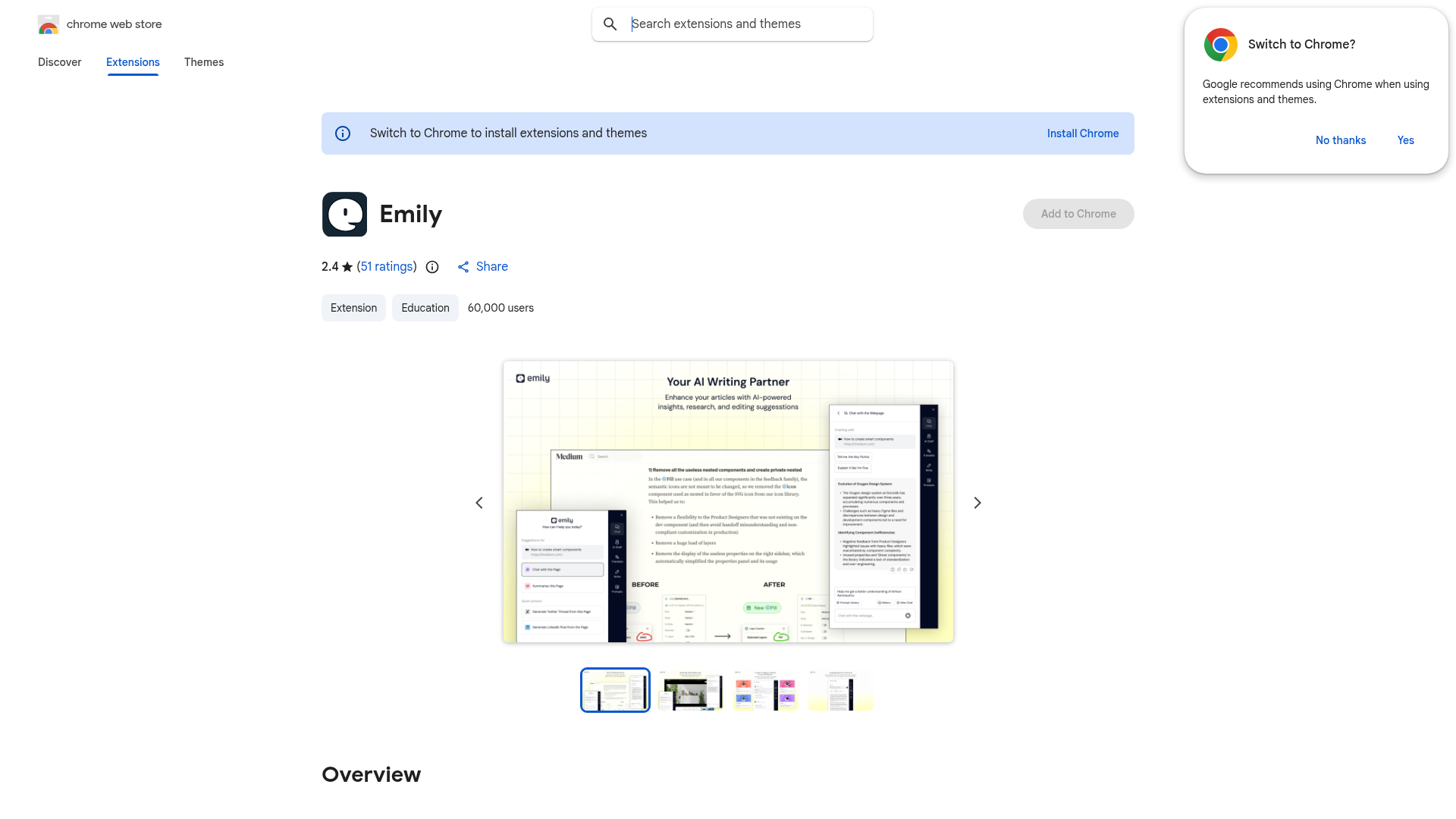
What It Does
Emily is an AI writing assistant that works in-context — it activates wherever you are typing in your browser. Instead of opening a separate AI chat tab, copying your prompt, generating text, and pasting it back, Emily lets you write and get AI assistance without leaving the platform you are working in.
For content creators, this means drafting Instagram captions directly in the Instagram composer, writing email replies in Gmail with AI assistance, or improving LinkedIn posts in the LinkedIn editor — all without the tab-switching friction that breaks your writing flow.
Key Features
- ✍️ AI writing assistance inside any text field in Chrome
- 📱 Works on social media platforms, email, docs, and more
- ⚡ Draft, rewrite, and improve without switching tabs
- 🎯 Reduces copy-paste friction from external AI tools
- 🆓 Free to install from the Chrome Web Store
Who Is It For?
Emily suits creators who write content across multiple platforms and want AI help available at the point of writing — not inside a separate tool. If you are constantly switching between a ChatGPT or Claude tab and the platform you are actually publishing on, Emily reduces that back-and-forth significantly.
It is particularly useful for creators who write a high volume of short-form copy — social captions, email replies, community posts, DM responses — where the overhead of opening a separate AI tool adds up across dozens of daily writing tasks.
Summary
Emily is a convenient AI writing extension for creators who want help drafting content without leaving their platform. The in-context approach removes the friction of switching tools every time you need AI assistance — which, for creators who write constantly across different platforms, makes a noticeable difference to their daily workflow. Worth installing if AI writing assistance is already part of how you work.
Install on Chrome Web Store →